
Google Play Store
Google Play Store is Google's digital distribution platform for Android, used to find, install and update apps, games and books.
101.1 MB
1.17 · Aloha Std · Page updated
Spanish - English Translator is a free Android app from Aloha Std for translating words, phrases and sentences between Spanish and English.
Average 0.0 · ratings: 0
Thank you! Your rating is saved; you can change it. Could not save the rating. Please try again later. Too many ratings from your network today. Please try again tomorrow. The average appears after 5 ratings.
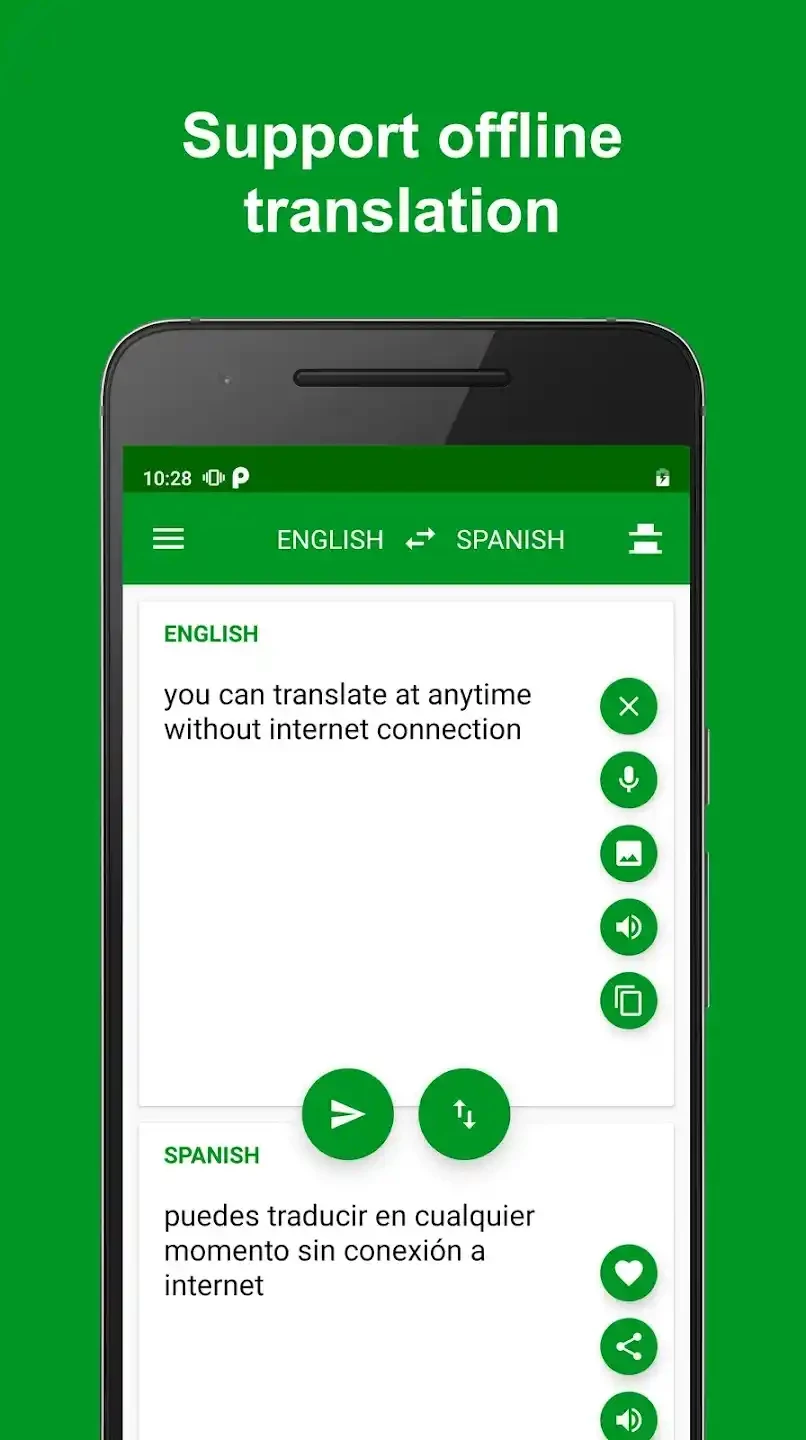
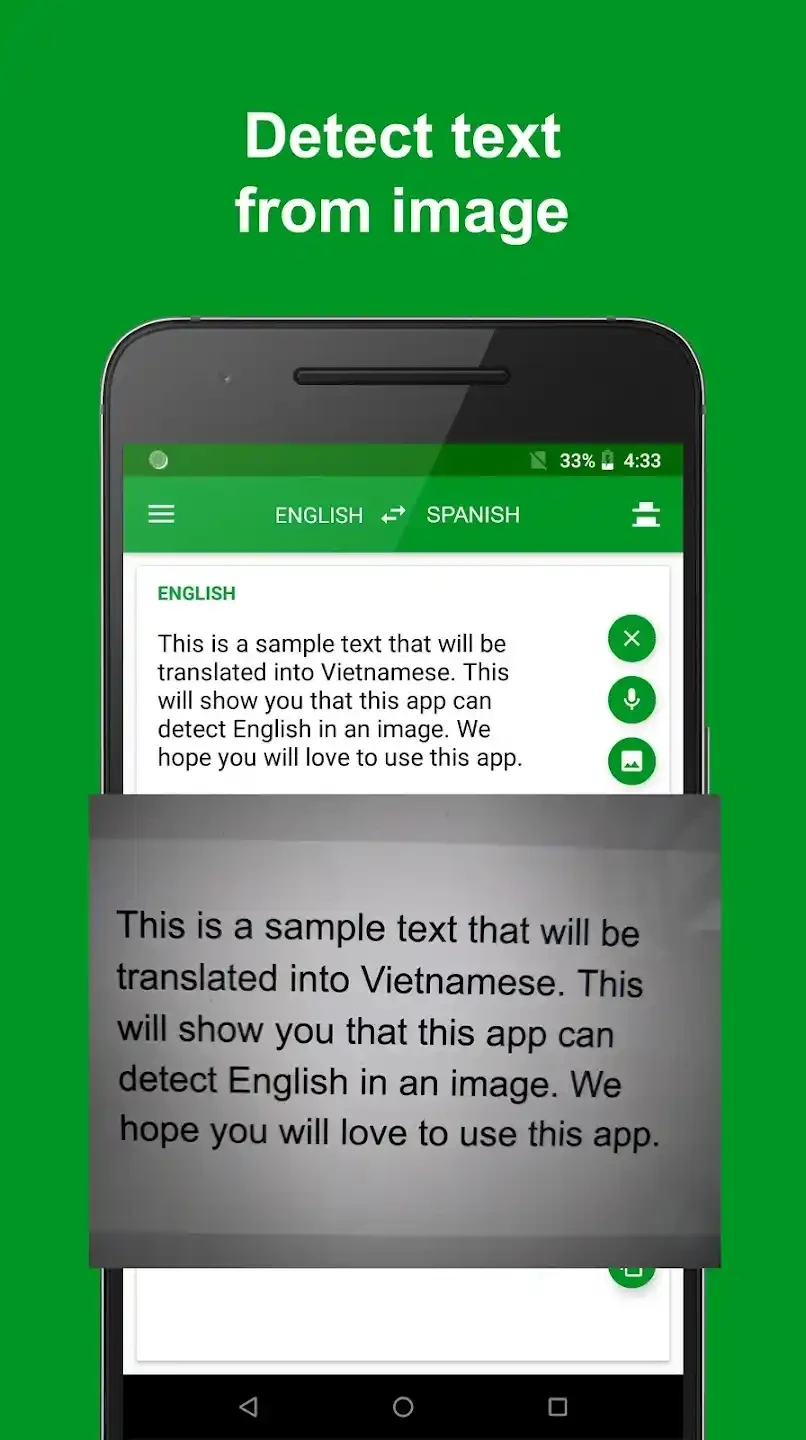
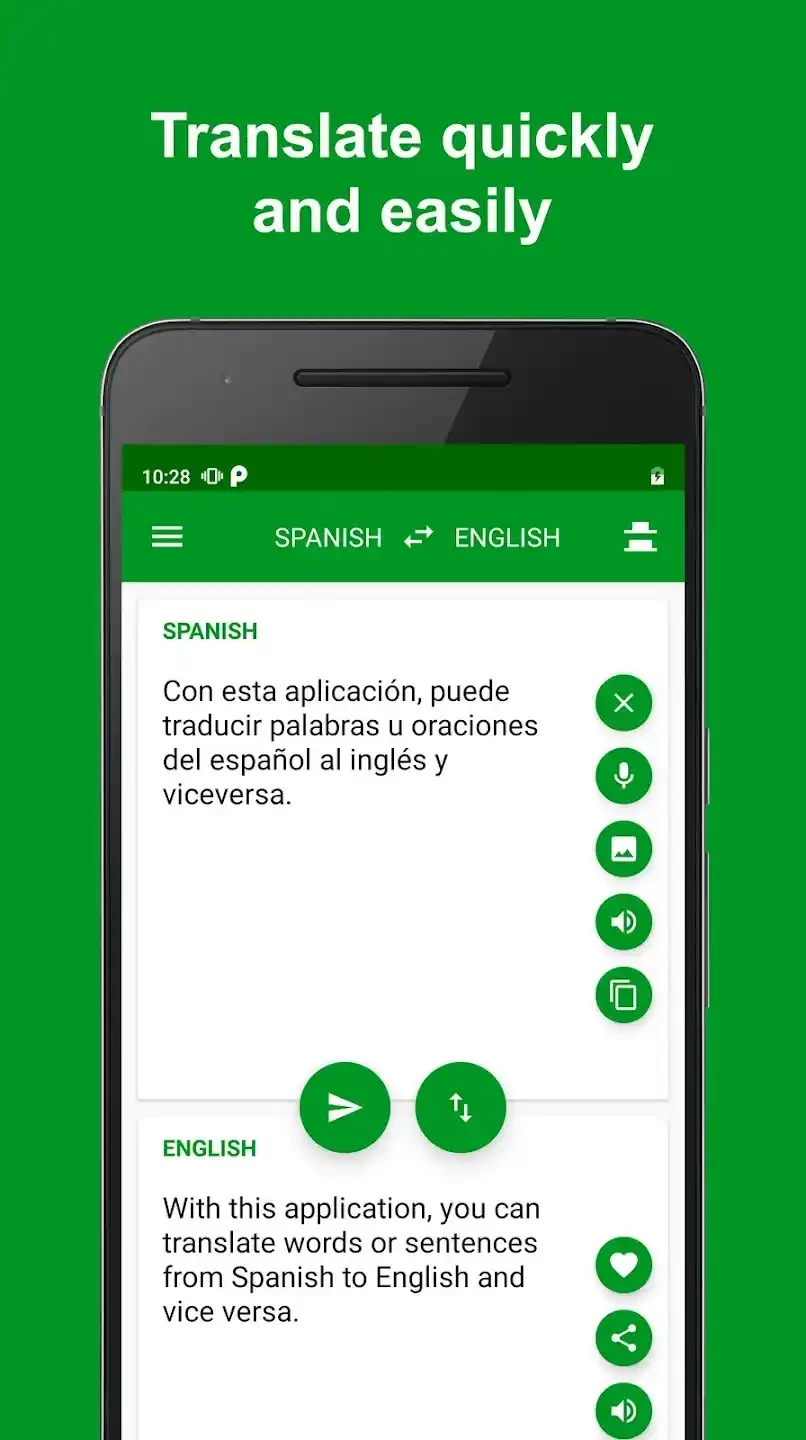
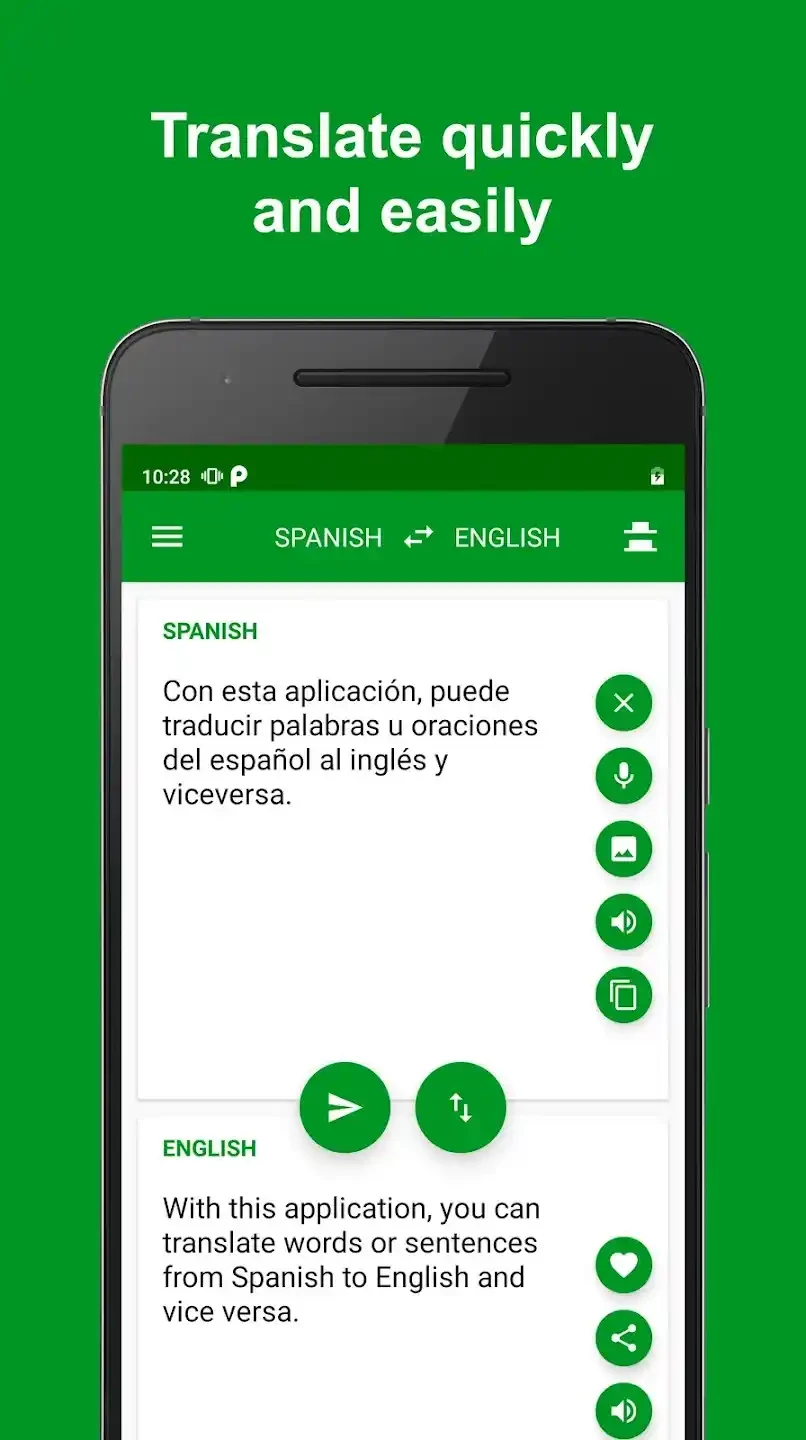
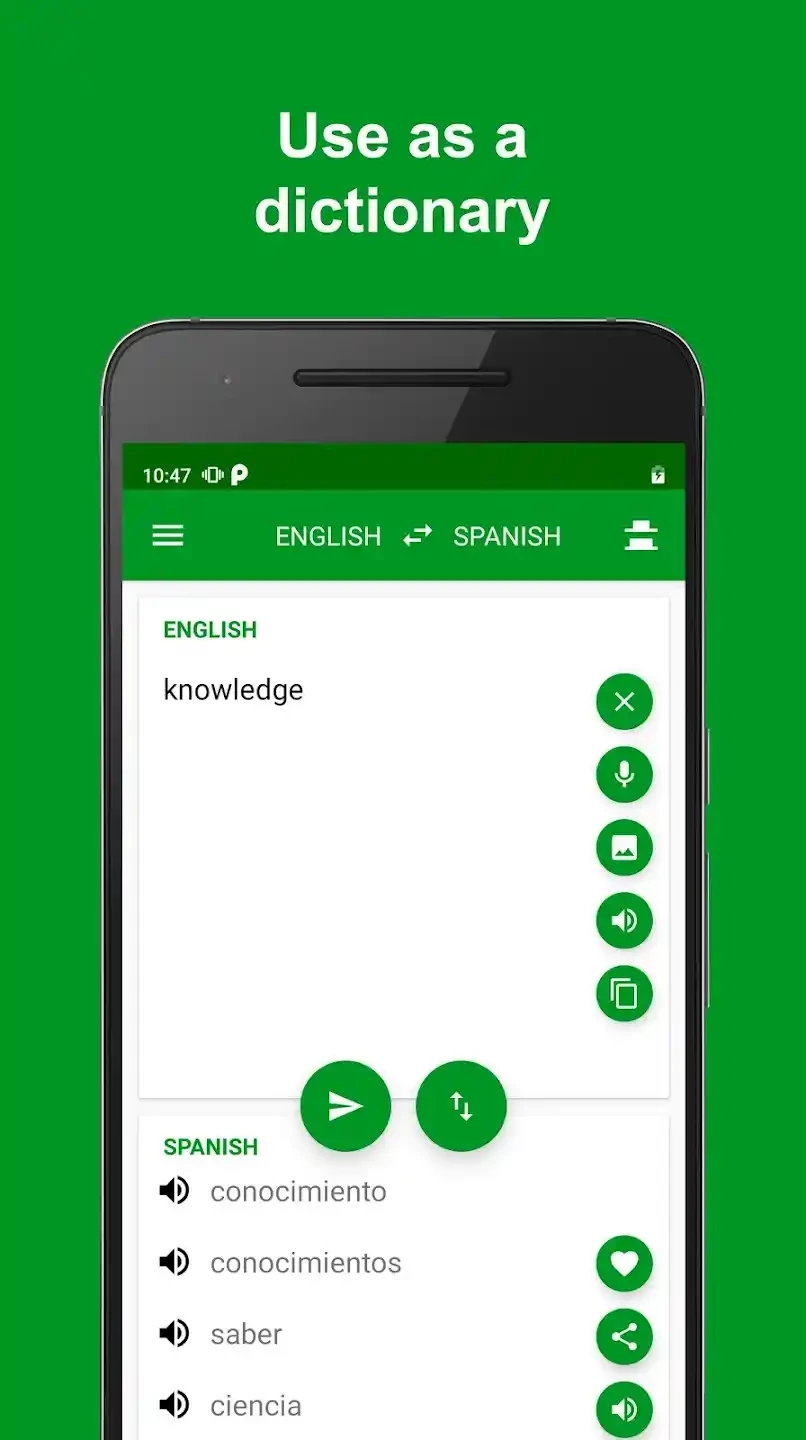
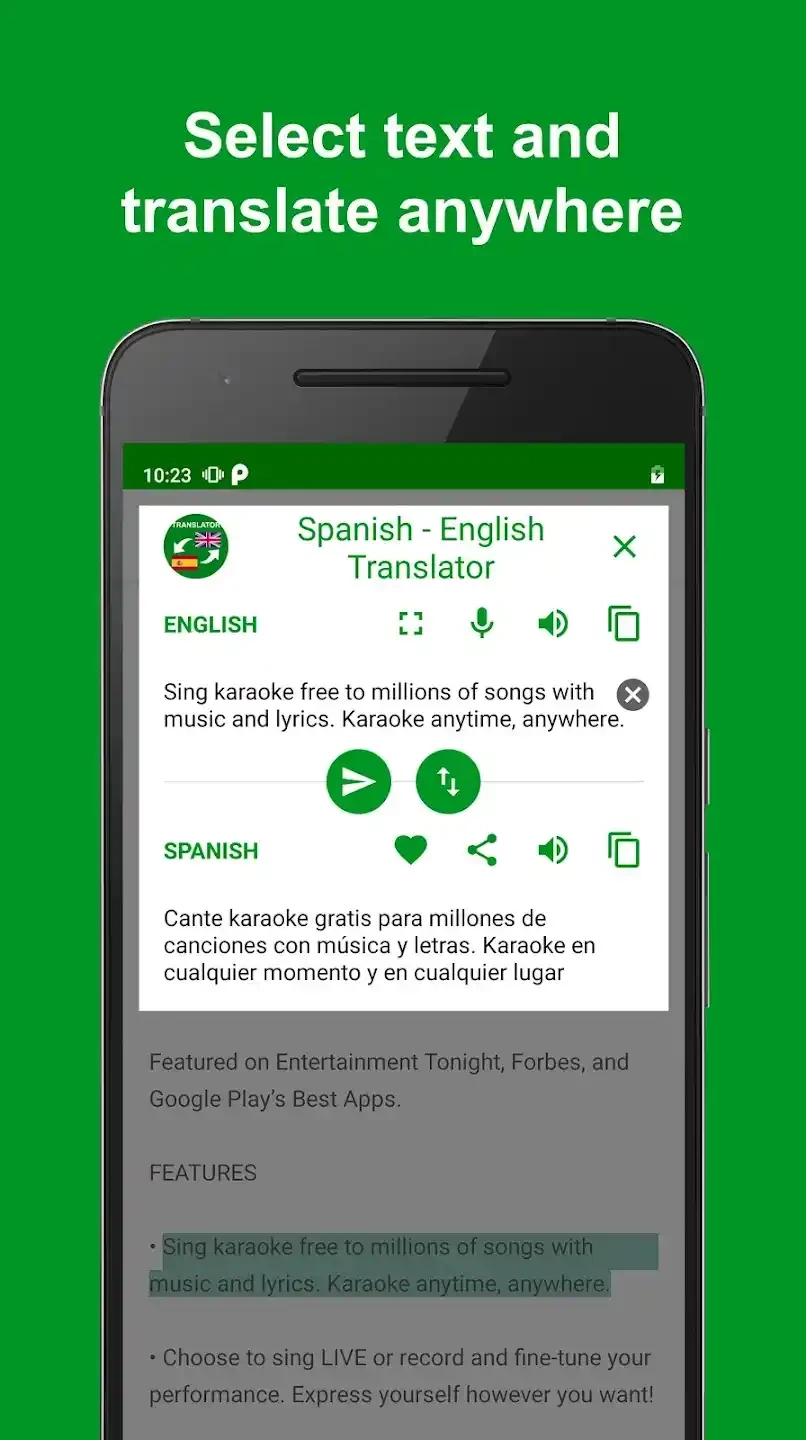
Spanish - English Translator 1.17 is a free Android app from Aloha Std that translates between Spanish and English. It is built for quick everyday use: type or paste a phrase, get the translation, copy it or listen to it. You can download Spanish - English Translator for Android from Google Play.
General translation apps cover dozens of languages, which is powerful but can feel crowded when you only ever need one pair. A dedicated Spanish and English translator keeps the screen simple: two boxes, a switch for the direction, and buttons for copying, sharing and listening. That suits travellers in Spain or Latin America who want to read a menu, a sign or a message from a host; learners who check a sentence while doing homework; and people who work with Spanish-speaking colleagues or customers and need to understand a short email. Hearing the pronunciation helps with speaking practice. Like all machine translation, results are best with clear, complete sentences and weaker with slang, regional expressions, idioms and humour. Spanish varies between countries, so a phrase that is natural in Mexico may sound odd in Spain; for anything formal, a human translator is still the safe option.
Before a trip, try the app at home to see whether it works without a connection or needs mobile data. Save phrases you expect to need, such as allergies, directions to your hotel or questions at a pharmacy, so you can show them quickly. When talking to people, short, simple sentences translate far more reliably than long ones.
Translation apps may send text to an online service. Do not paste passwords, ID numbers or confidential documents. Free apps of this kind are often financed by advertising; review permissions, and grant microphone access only if you use voice input.
For many languages, including camera and conversation modes, our listings include Google Translate. Gboard and SwiftKey Keyboard offer translation right inside the keyboard.
Google Play Store is Google's digital distribution platform for Android, used to find, install and update apps, games and books.

APKPure is a third-party app marketplace for Android that installs apps from APK files outside Google Play. This page covers version 3.20.7803.

Aptoide is an open-source alternative app store for Android, running since 2009. This page covers version 9.22.5.3.

QuickShortcutMaker is a small Android tool for creating home screen shortcuts to specific screens of installed apps, including hidden settings.